
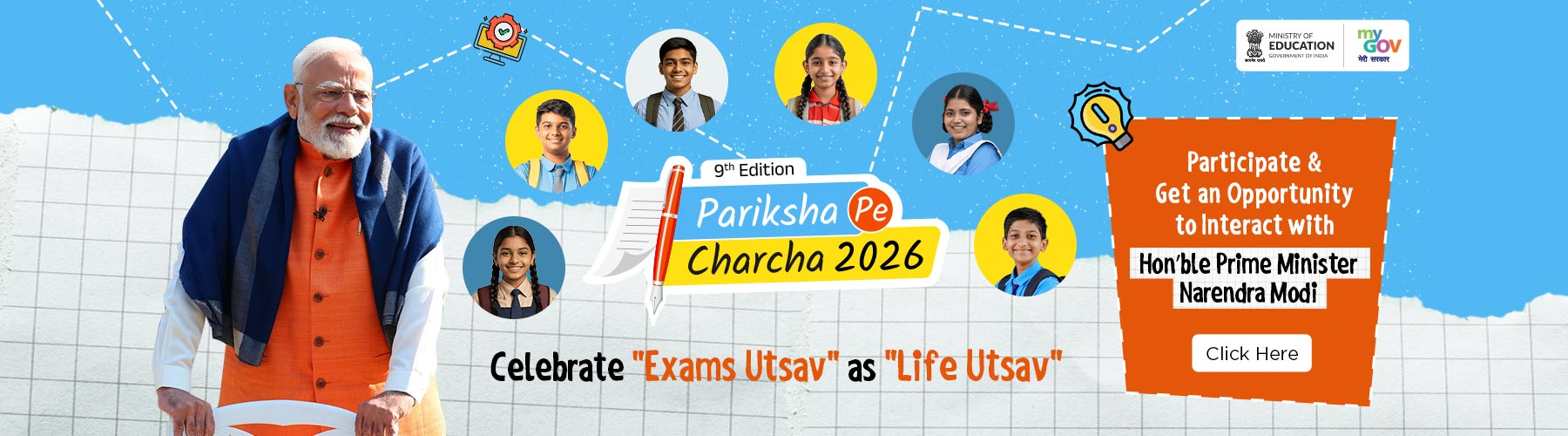
Pariksha Pe Charcha 2026 Registration Ends Jan 11: 4 Crore+ Enrollments, Direct Apply Link, and Key Pro-Tips
Pariksha Pe Charcha (PPC) 2026 has officially shattered previous engagement records, crossing the 4-crore registration mark as of January 7, 2026. This massive surge underscores the growing anxiety and the subsequent need for mental health support among students ahead of the Class 10 and 12 Board Exams. Prime Minister Narendra Modi’s “Exam Warriors” initiative has evolved from a simple talk to a global movement, aiming to transform exams from a “life-and-death” pressure point into a “celebration of learning.”
For the 2026 edition, the focus has shifted toward holistic well-being, incorporating themes like technology as a study partner and nutrition. This isn’t just a broadcast; it is a competitive selection process where the best questions and creative entries win a chance for a direct interaction with the PM and a coveted PPC Kit.
At a Glance: PPC 2026 Key Information
| Organization | Ministry of Education (Govt. of India) |
| Event | Pariksha Pe Charcha (PPC) 2026 – 9th Edition |
| Last Date to Register | January 11, 2026 |
| Eligibility | Students (Class 6-12), Teachers, and Parents |
| Official Website | innovateindia1.mygov.in |
Eligibility & Requirements
To participate in the 9th edition, candidates must meet the following criteria:
- Students: Must be currently enrolled in Classes 6 to 12. Students can register via “Self Participation” or through a “Teacher Login” if they lack internet access.
- Teachers: Open to all teachers of recognized schools across India and abroad.
- Parents: Open to parents/guardians of school-going children (Class 6-12).
- Required Documents/Details: * Full Name (as per school records).
- Valid Mobile Number/Email ID for OTP verification.
- School details (Name, Board, State/UT).
- Activity Submission: Completion of an MCQ-based contest or theme-based creative entry.
- Question for PM: Maximum 500 characters for the question you wish to ask.
Historical Trends & Analysis
The growth of PPC is a testament to the digitization of Indian education. In 2018, the inaugural edition saw only 22,000 participants. By 2025, the event earned a Guinness World Record with 3.53 crore registrations.
As of January 2026, the 4-crore milestone has already been breached, marking an increase of approximately 13% in participation even before the deadline. Historically, the main event takes place in late January (between Jan 27–30); however, the official date for the 2026 interaction is yet to be announced.
Step-by-Step Registration Guide
- Visit Official Portal: Go to innovateindia1.mygov.in/ppc-2026.
- Login/Register: Click on “Participate Now.” Login using your mobile number or email via OTP. You can also use DigiLocker for seamless verification.
- Select Category: Choose from Student (Self), Student (via Teacher), Teacher, or Parent.
- Fill Details: Enter personal and school/academic details accurately.
- Complete Activity: Solve the MCQs or submit your creative entry based on the themes provided (e.g., “Exams as Utsav”).
- Submit Question: Draft a concise question for the PM (Max 500 characters).
- Download Certificate: After final submission, you can immediately download your digital Certificate of Participation.
Pro-Tips for Candidates
- The 500-Character Rule: Be precise. Questions that are unique, socially relevant, or offer a fresh perspective on student life have a higher chance of being selected for the live telecast.
- Browser Compatibility: Use the latest version of Google Chrome or Mozilla Firefox on a desktop. Mobile browsers sometimes struggle with the “Download Certificate” pop-up.
- Avoid Last-Minute Rush: With 4 crore+ users, the server often slows down significantly on the final day (Jan 11). Complete your registration at least 48 hours early.
- Digital Footprint: Use an active email ID, as shortlisting notifications and invitations for the New Delhi event are sent via email/SMS.
Direct Links Section
- Official Registration Portal: Click Here to Apply
- MyGov Login (Direct): Login via OTP
- Official Helpdesk: Contact via the “Help” section on the MyGov portal for technical issues.


